
Mxml, components, advanced shape editor, simple editor layers and frames enhancements, play streamed sound, rename characters, undo/redo, FTR files support and much more in 26.5.x.
26.5.0 – 2026-11-14
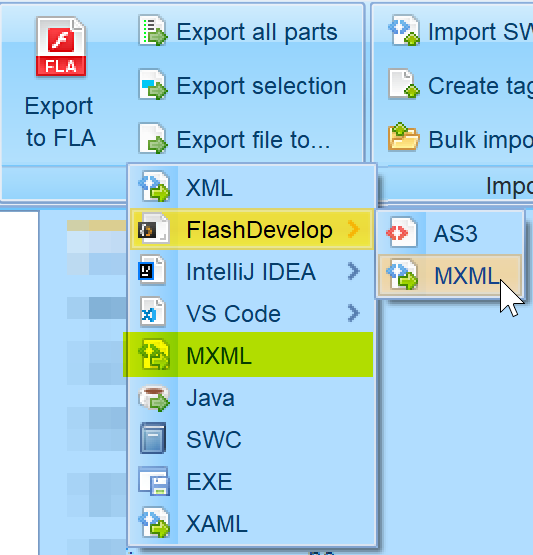
Mxml Export
Flex projects can be exported into MXML format. It is available either as FlashDevelop/IntelliJ/VS Code project or standalone MXML export.
FLA Export – Components, Smart Clips
FLA exporter now exports AS3/2/1 known components and also Flash 5 Smart Clips.
SWZ Reading Support
Extension .swz is used for signed SWFs released by Adobe. FFDec can use them in read-only mode.
FLA Export – TLF Texts
Export of TLF texts which was available in Flash CS5 to CS6.
AS1/2 Direct Editor – Group Subsequent Pushes
Previously we generated each Push as separate, now we group them.
Simple Editor – Shape Editing Tools
New shape editor with many related tools known from your favorite vector editors.

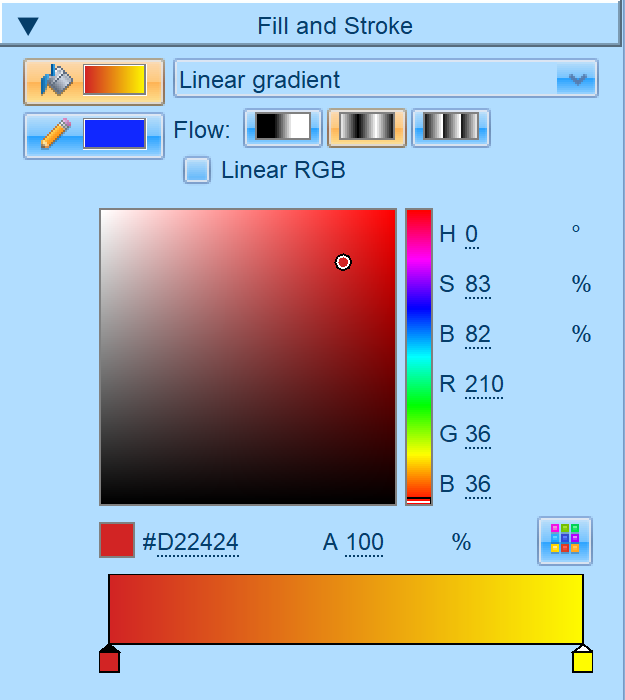
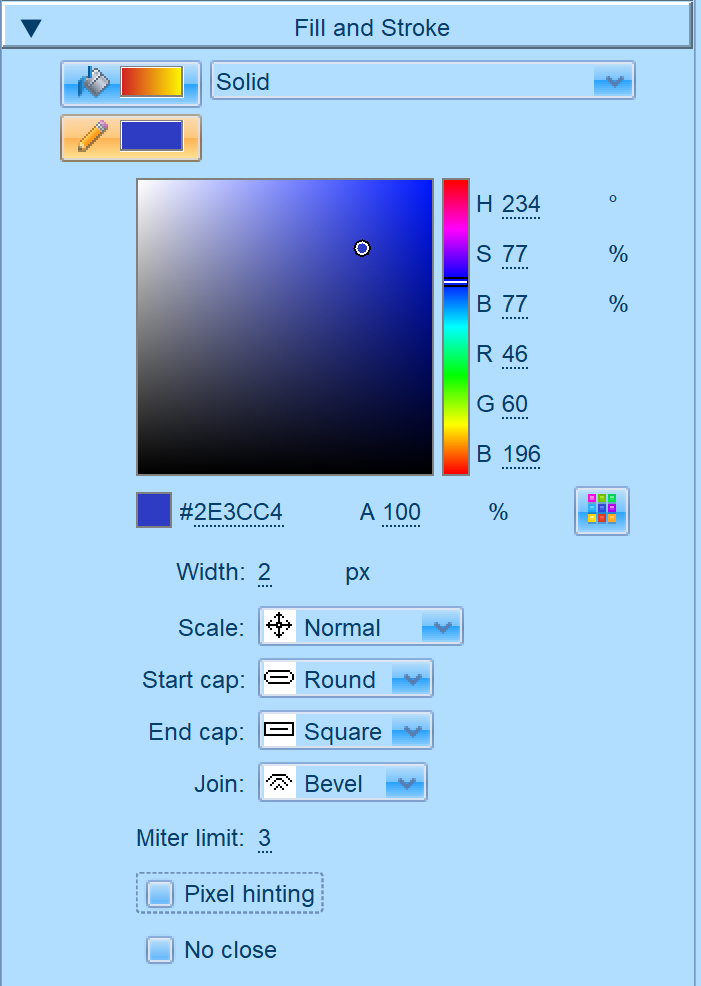
Fill and Stroke Selection
For most of the tools, you can set Fill or Stroke.
You can set all parameters that SWF allows you to including different start and end caps.
Brush
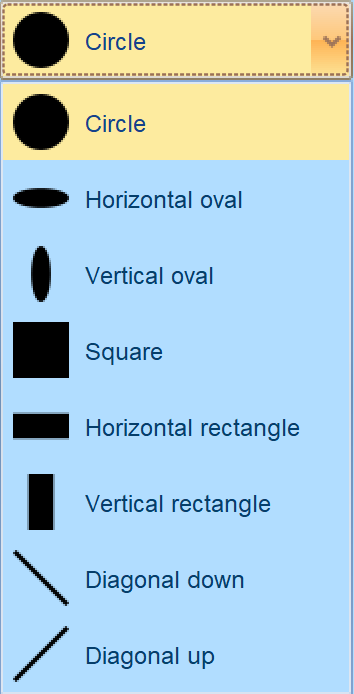
Select fill style, brush shape and size and draw shape with your mouse on the stage.

Pencil
Drawing on stage using selected stroke style.
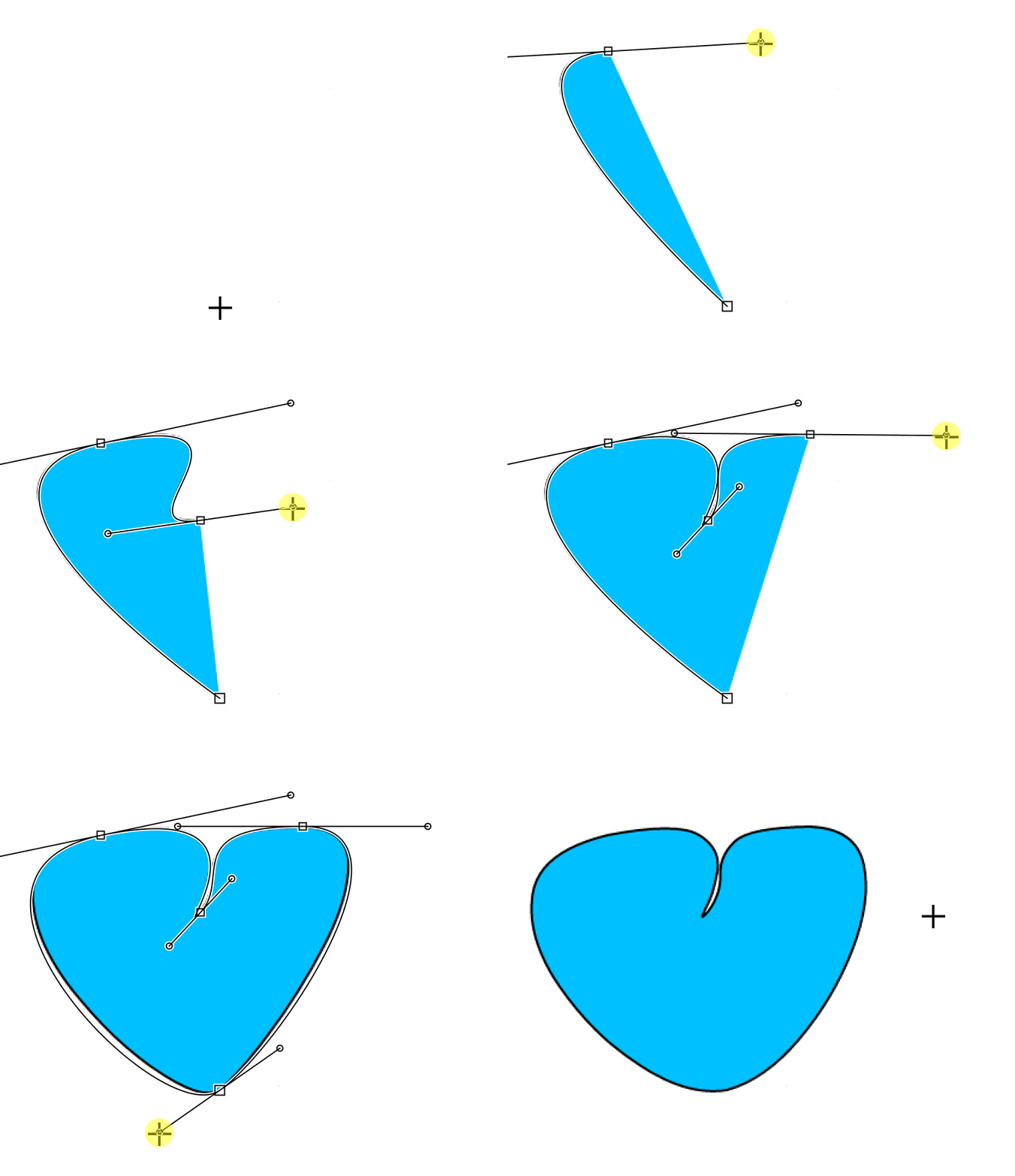
Pen
Select fill style and stroke style and draw bezier curves by dragging and also straight segments.
Predefined Shapes
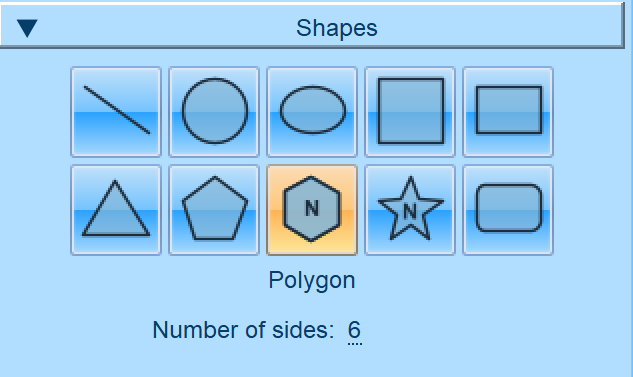
Select fill style, stroke style and shape type and drag on stage to create a shape.
For polygon and star, you can set number of sides/angles. For round rectangle you set corner radius.

Eraser
Eraser is similar to brush but instead of drawing, it deletes content. You set the shape and size.
Paint
Paint bucket allows you to click any closed shape to fill it with selected fill style.
Ink
Ink is similar to paint, but it uses line style.
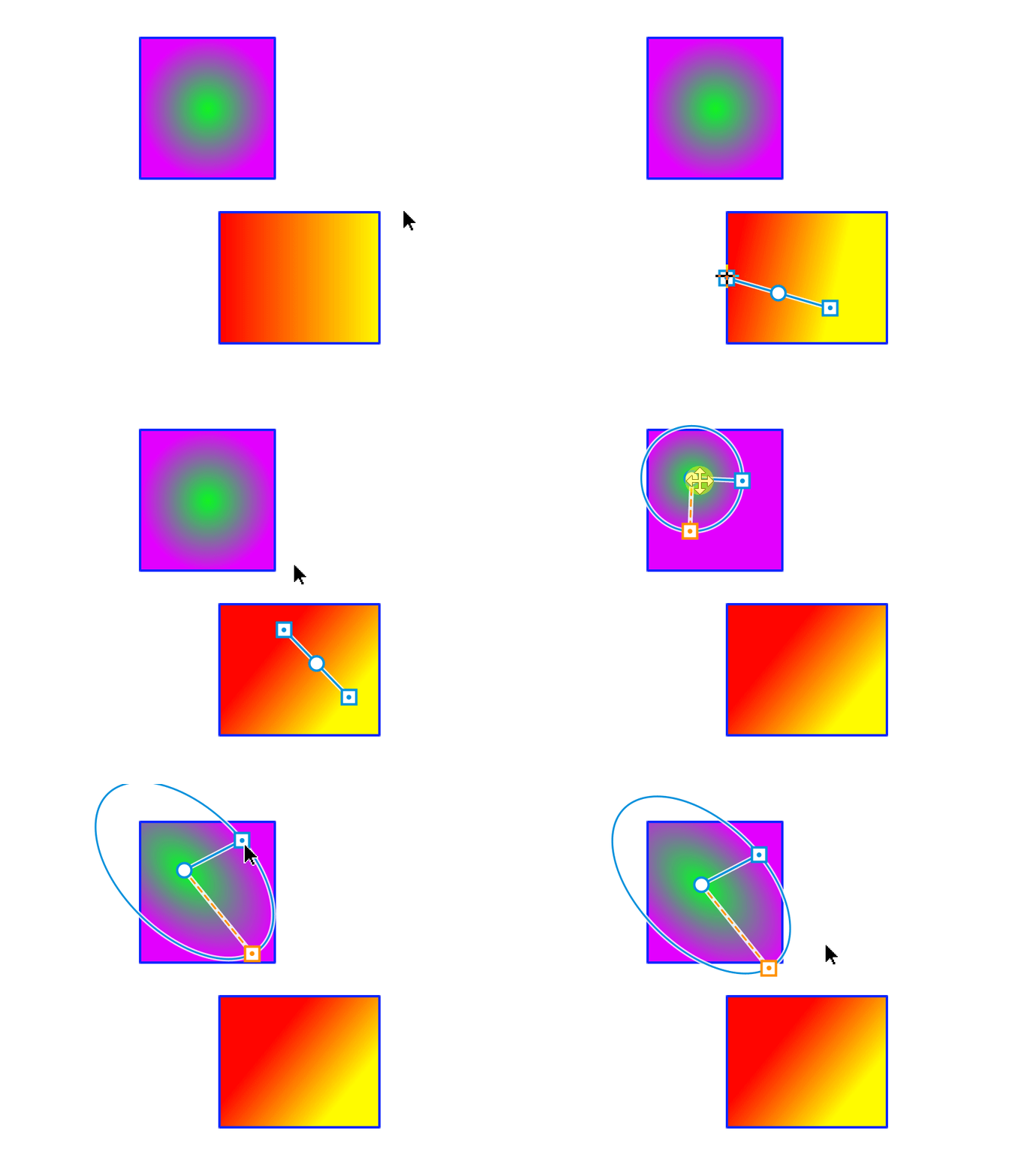
Gradient transform
You can click any gradient or bitmap fill and handles will show up. You can move handles to change gradient/bitmap position.
Eyedropper
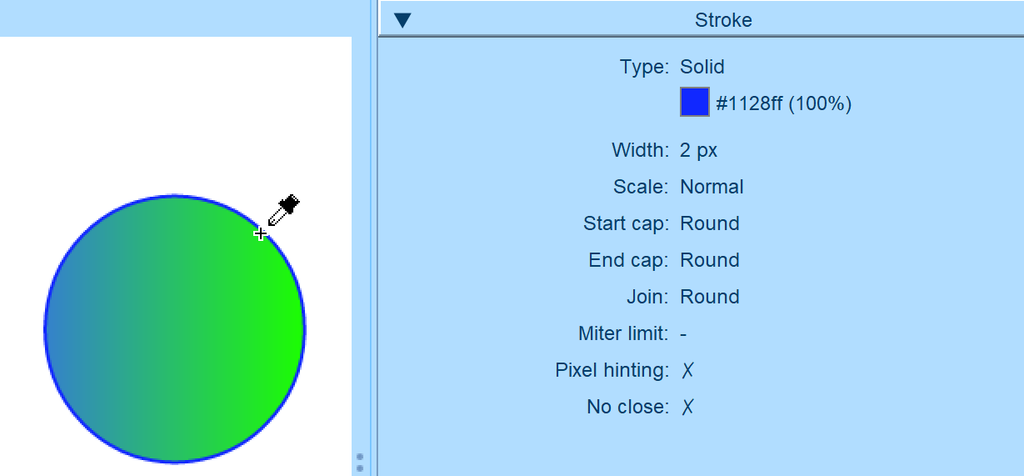
With this tool you can get fill / stroke parameters from existing shape parts to use them later elsewhere.
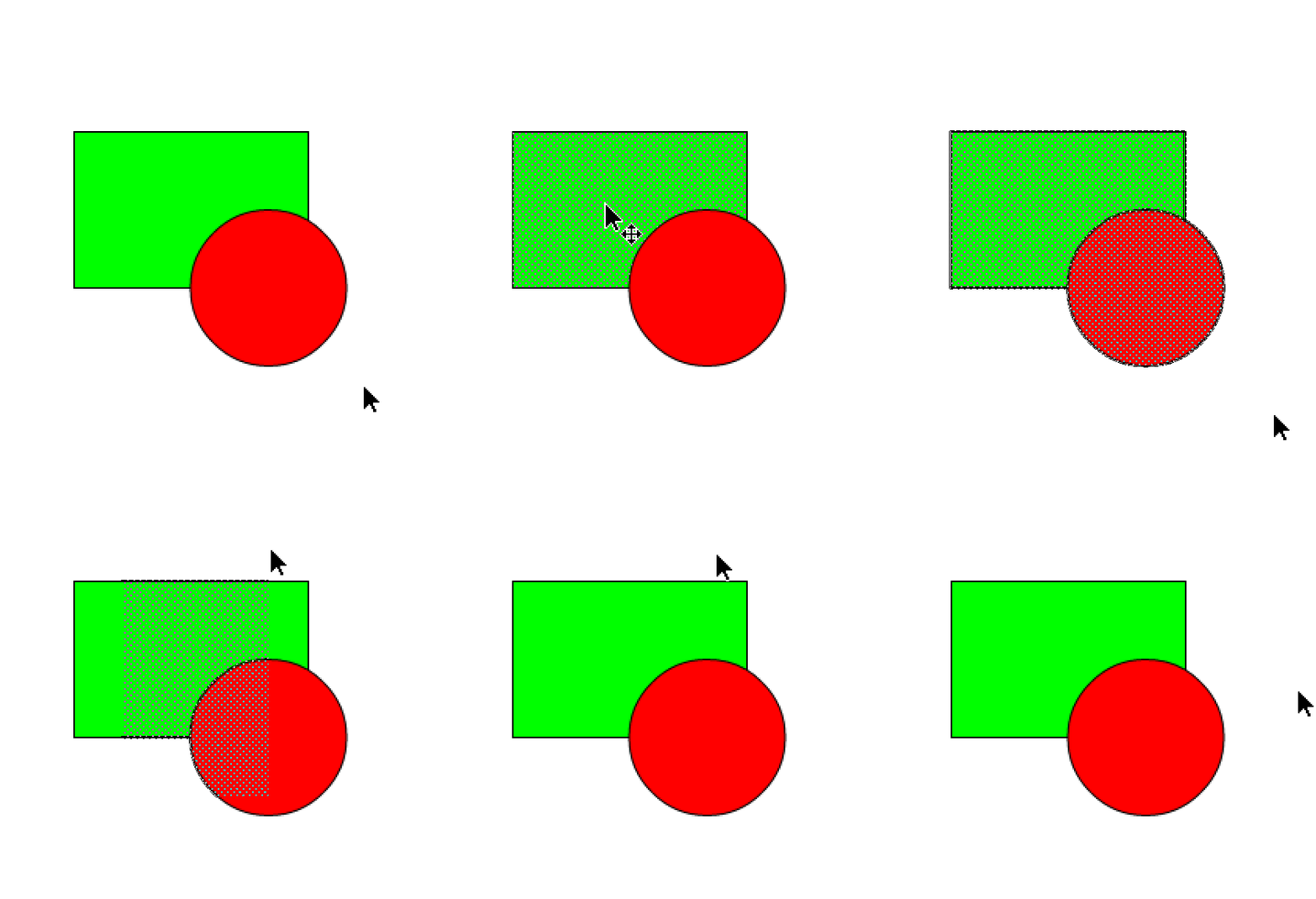
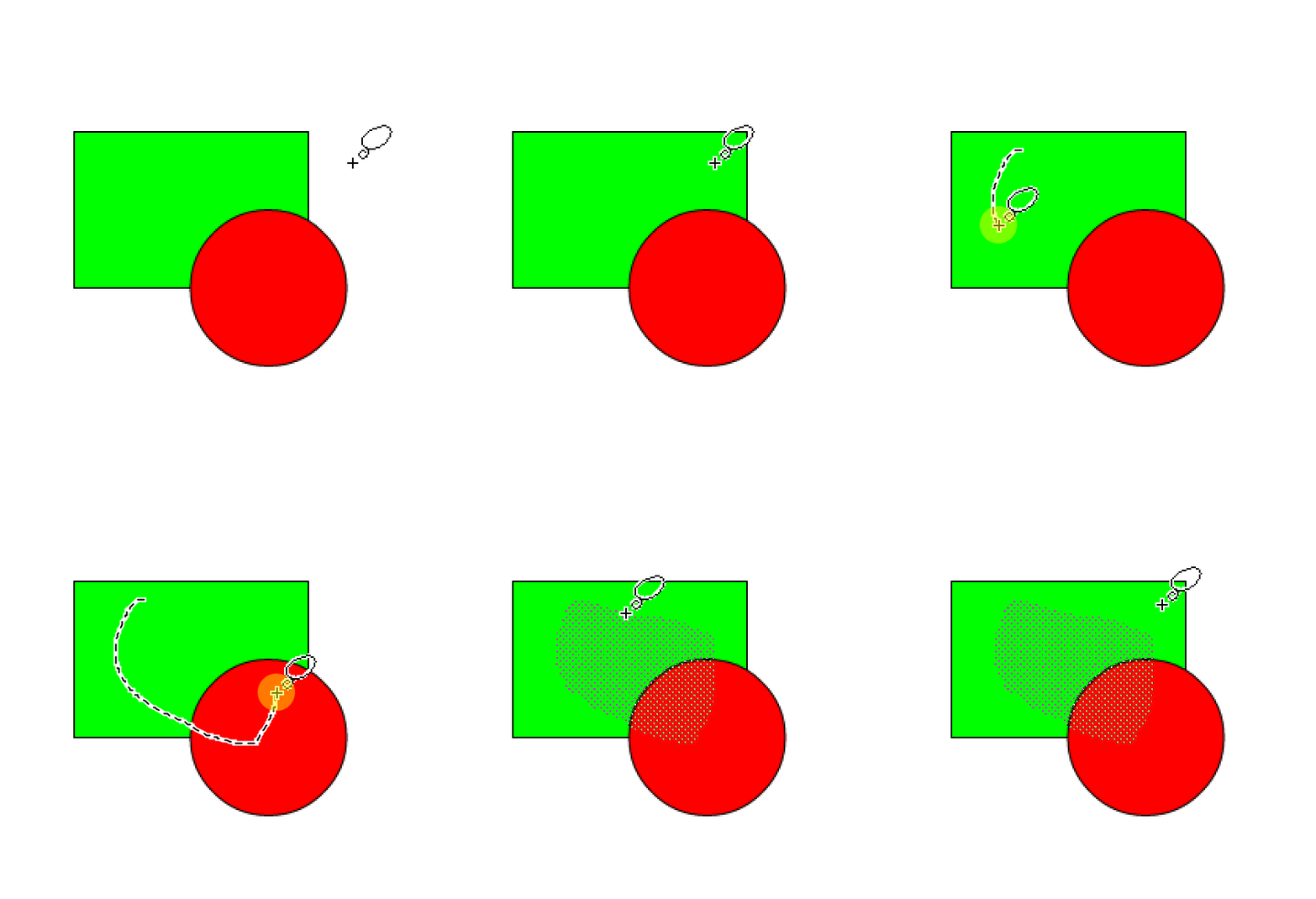
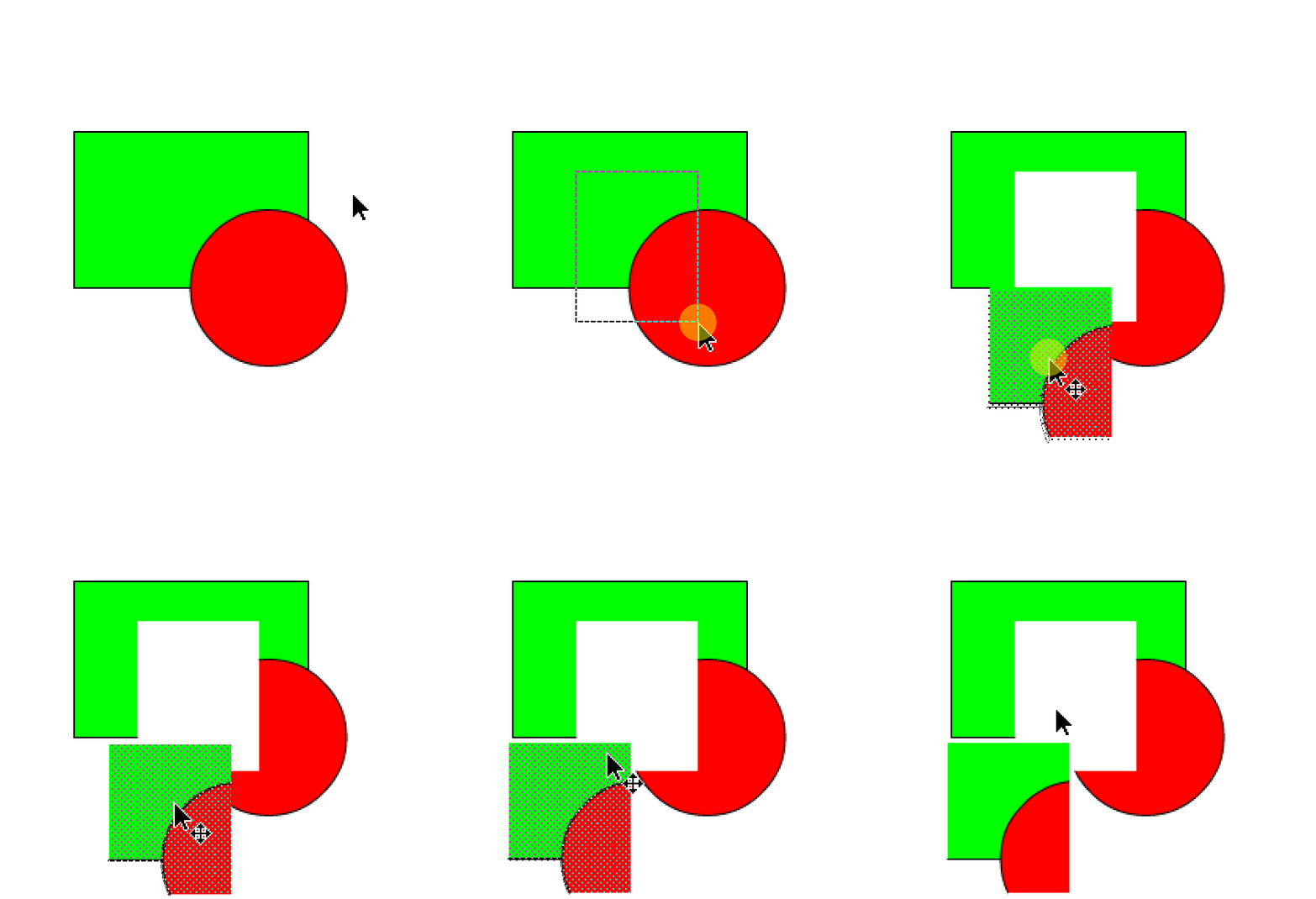
Select / Lasso / Move
You can select part of the shape and for example change fill style in it. Selected part can be also moved on the stage.
Drag Edges / Anchors
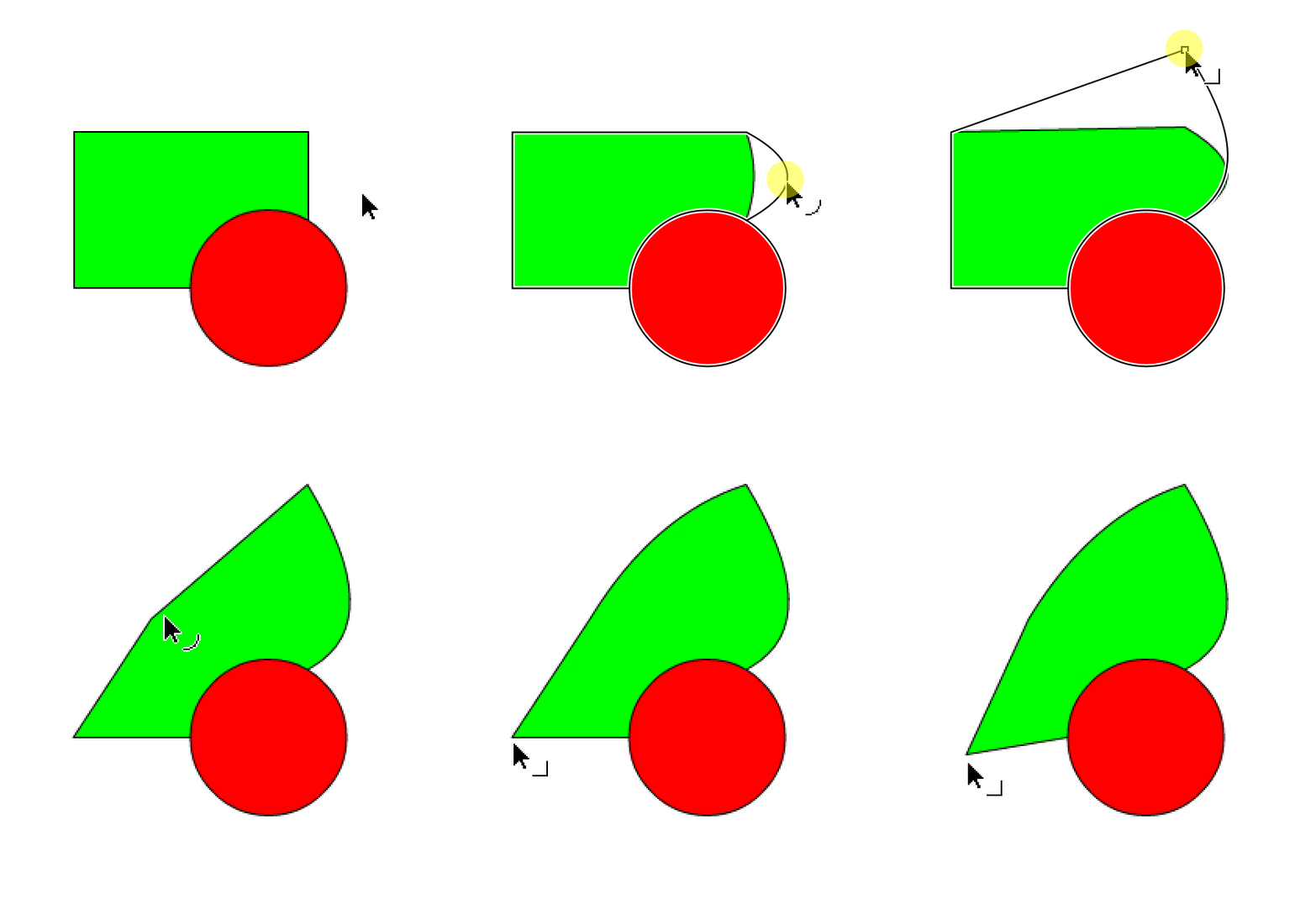
In Select mode, edges can be dragged to form curves. You can also drag anchors.
Edit points
This tool is already known to FFDec. You can move points of the shape, add new points using Ctrl, or delete points using Del key.
Anchor point
Changes 0,0 point of shape.
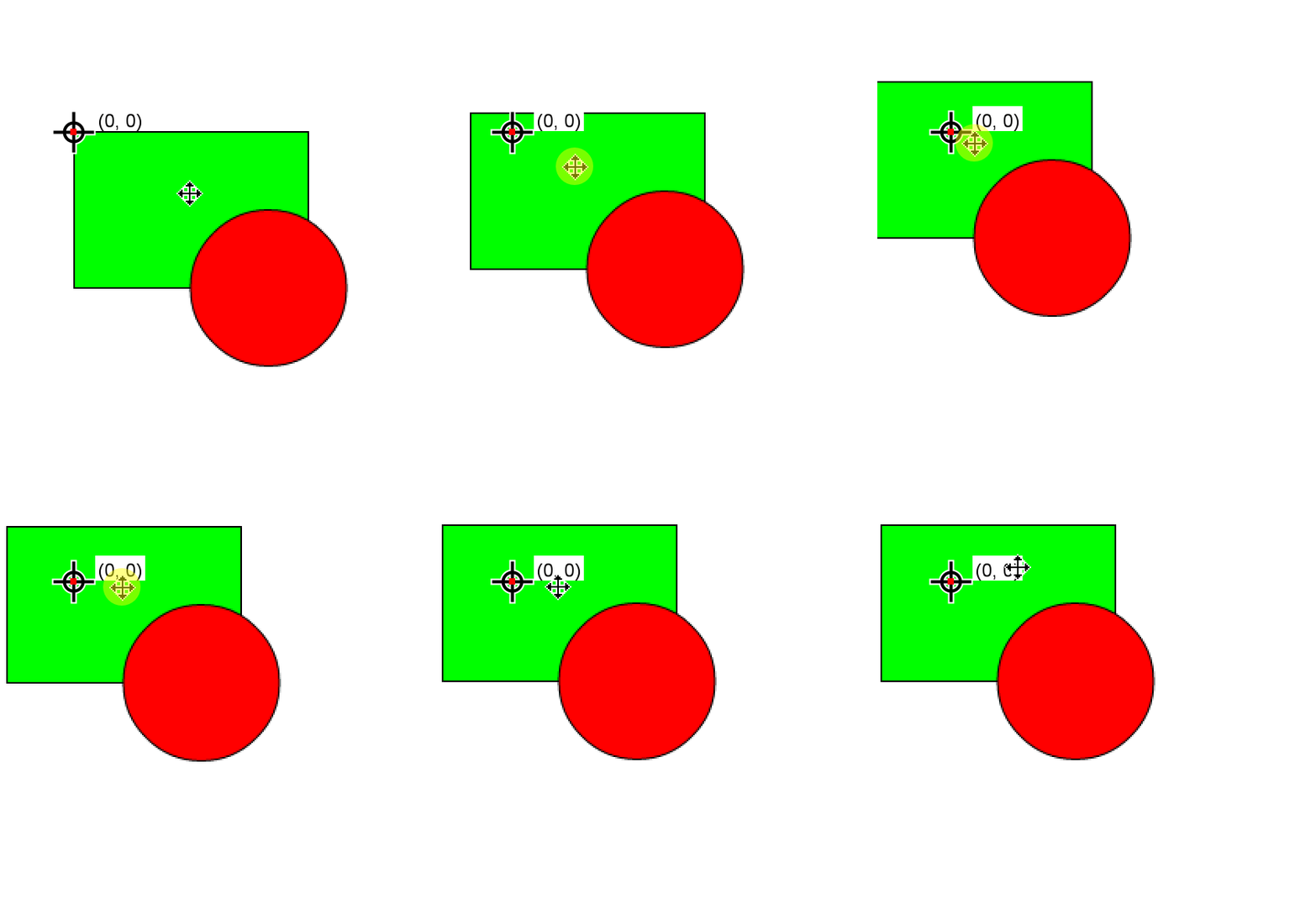
Simple Editor – Replace Content of Frames
In frame context menu you can select “Replace selected contents” and replace the selection with specific Library item.
Simple Editor – Layer Enhancements
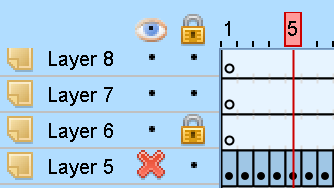
Layers now have layer icon. You can show/hide specific layer and also lock layer to disable its editing. All layers at once can be show/hidden/locked via icon in the header.
Single or multiple layers can be selected and dragged to reorder them.
You can add new layers or remove existing.
Simple Editor – New Insert/Remove/Clear Frames
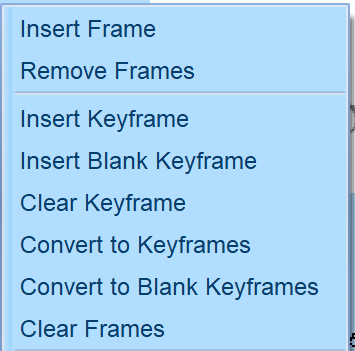
New Insert, Remove, Clear and Convert frames options in the context menu, similar to CS6 options.
AS3 Sprite Export
Sprite export to AS3 drawing commands.
CLI: Select Classes for SWC Export
CLI command -swf2swc now accepts -selectclass option.
Simple Editor – Improved Dragging to Stage
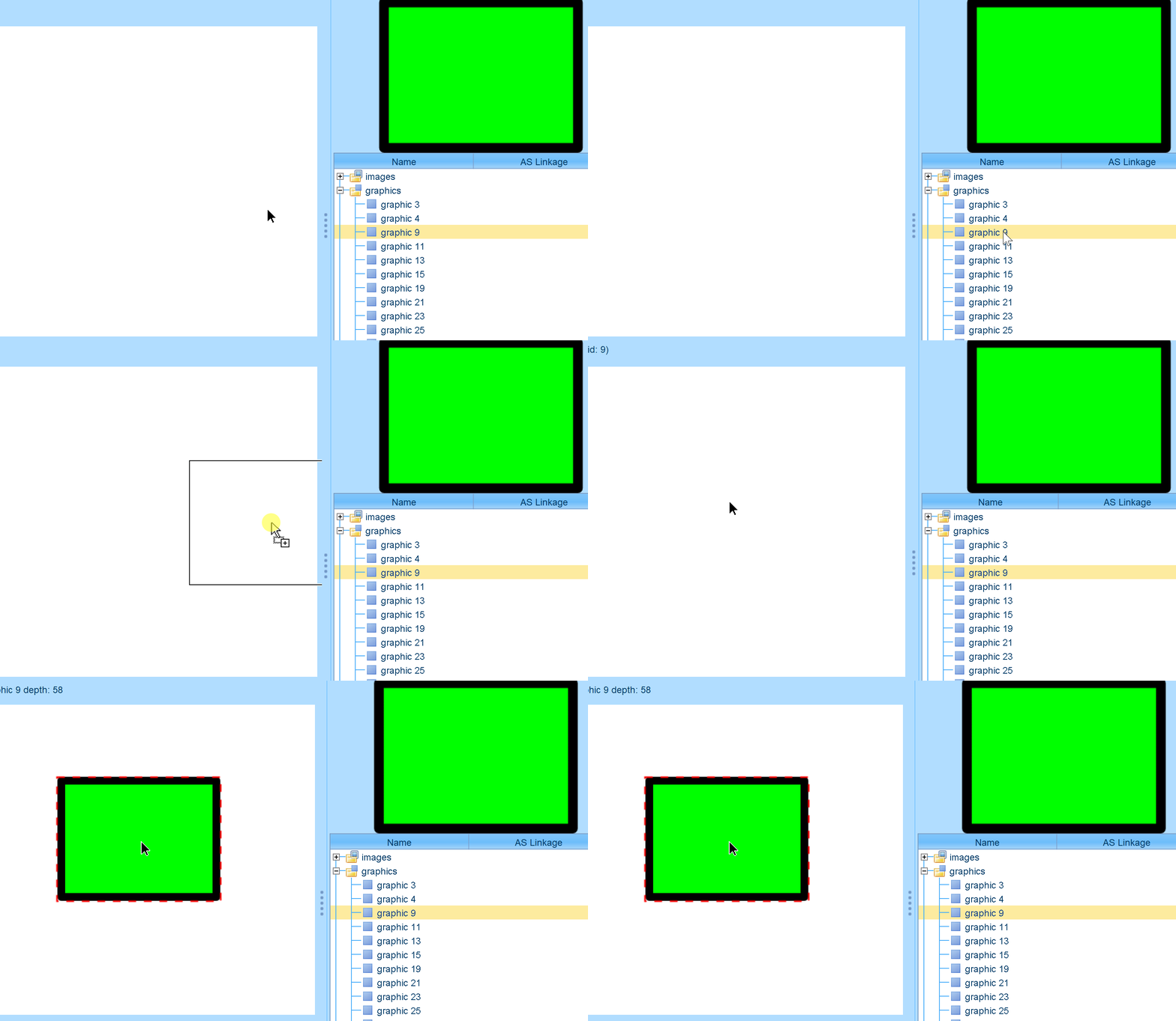
Dragged item to stage now shows its border. Also when placed, it is stored in currently selected empty frame. If current frame is not empty, then new layer above current is added with this item.
Simple Editor – Deleting Items
Del key deletes selected item on the stage.
Simple Editor – Double Click to Parent Layer
Previously, double click entered selected timeline, now it also exists the timeline.
Simple Editor – Masking
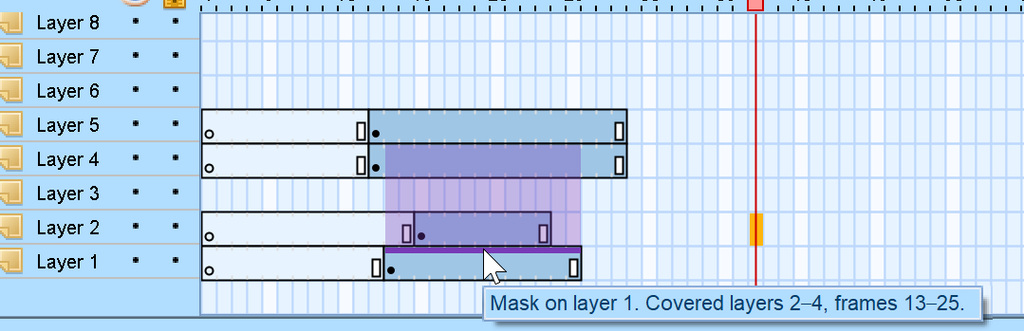
You can edit last masked layer. Also masking is shown in timeline as violet stripe over frames – you can hover it to highlight masked frames.
Simple Editor – Edit 9-Slice Scaling Grid
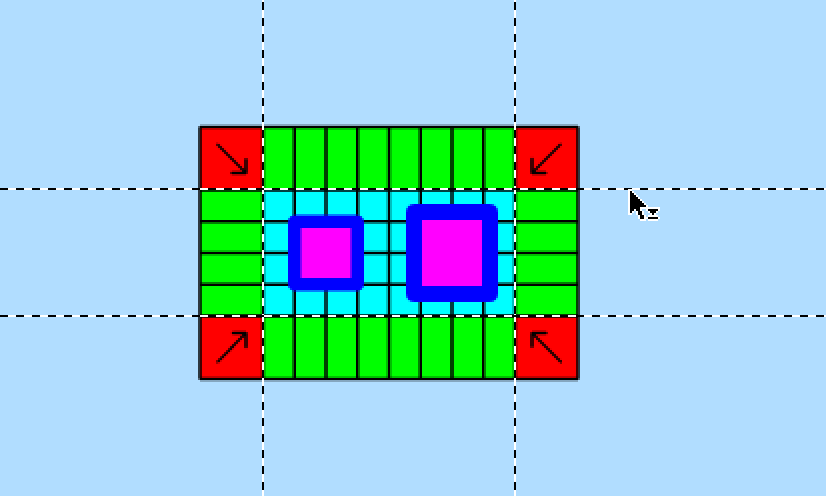
Enable 9-slice scaling from context menu of character in the Library, then double click the character to enter its timeline. Now you can drag lines of the scaling grid.
Simple Editor – Add Shape, Movie Clip, Button
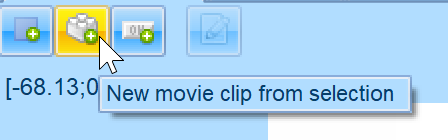
With the new buttons on the top of simple editor, you can create new Shape, new Movie clip or Button from selection. If there’s no selection, an empty Movie clip / Button is created.
Simple Editor – Edit Button
Edit button on the top panel does the same as double clicking an item on the stage.
Simple Editor – Place Image to Stage
Image can be placed to stage. A new shape surrounding it is created.
Play Streamed Sound on Previews
SWF / Sprite playback now includes streamed sound.
Rename Characters via NameCharacter Tag
In Simple Editor as well as in Resource/Tag list views, user can right click character and select “Rename / Name character” and set name for the character. The name is then stored in the SWF in the NameCharacter tag. This tag was originally part of Macromedia Generator for SWF Templates (.swt), we use it in FFDec to easily distinguish characters. The name is also exported to FLA.
Undo/Redo in the Whole Application
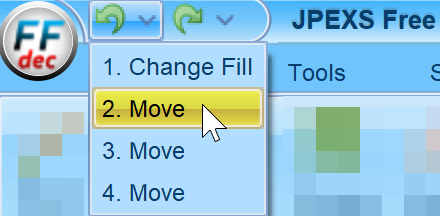
Previously, only Simple editor featured Undo/Redo. Now whole app uses this system.
The buttons for it are placed in the application title bar where you can also select any point from the history. The history is per SWF file.
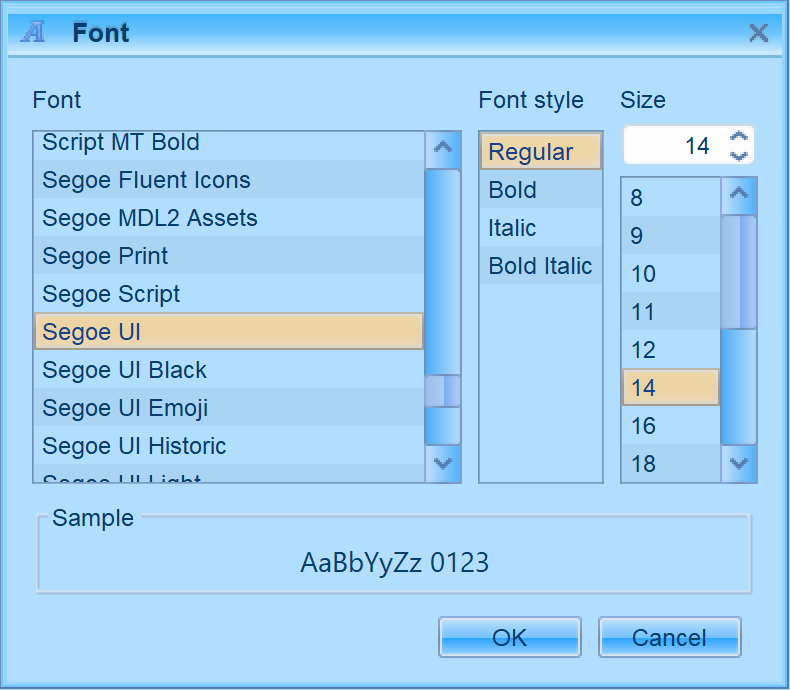
Option to Change UI Font
In Advanced settings / Display / UI font, you can set font for the app UI.
AppImage Release for Linux
New type of release is available – AppImage for GNU/Linux. The bundle contains Java. Just download the AppImage file, set the file permissions to executable and double click it.
DirectUI Fluster FTR Files Support
FTR is stripped down version of SWF files that were used in Windows Vista / 7 for animations like copy dialog. We added support to read and write such files.
Leave a Reply