
Add multiple tags, linked asset panel, sound wave preview, tweens, simple editing gradients, custom SWF profiles, Iggy format and much more in 26.4.x
26.4.0 – 2026-10-19
Add Multiple Tags
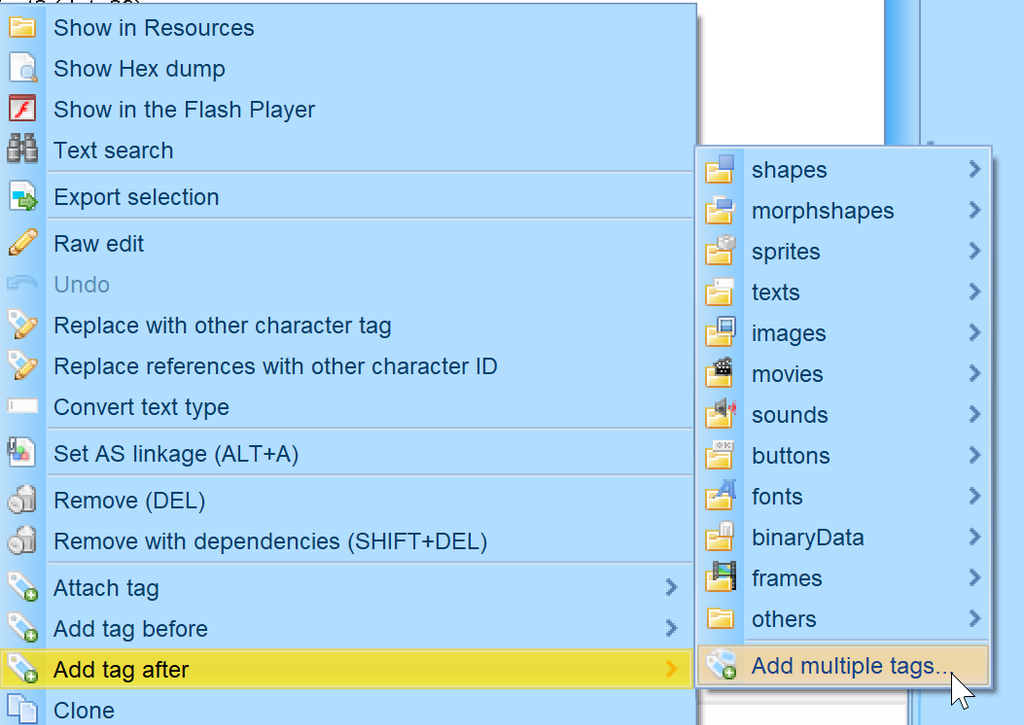
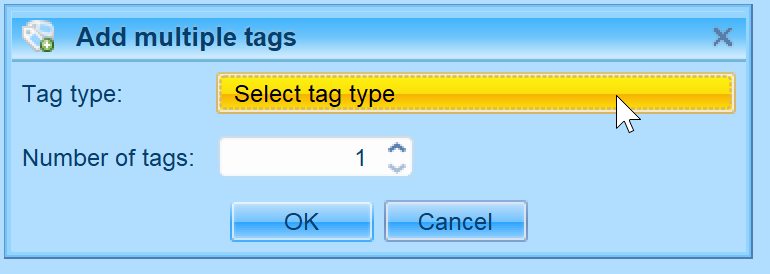
New item on Add tag menu is available which displays dialog for adding more than one tags of the same type.
Configurable Parent Class Names
When selecting AS3 linkage via dialog, preselected parent classes can be configured in Advanced settings.
AS3 Linked Asset Panel
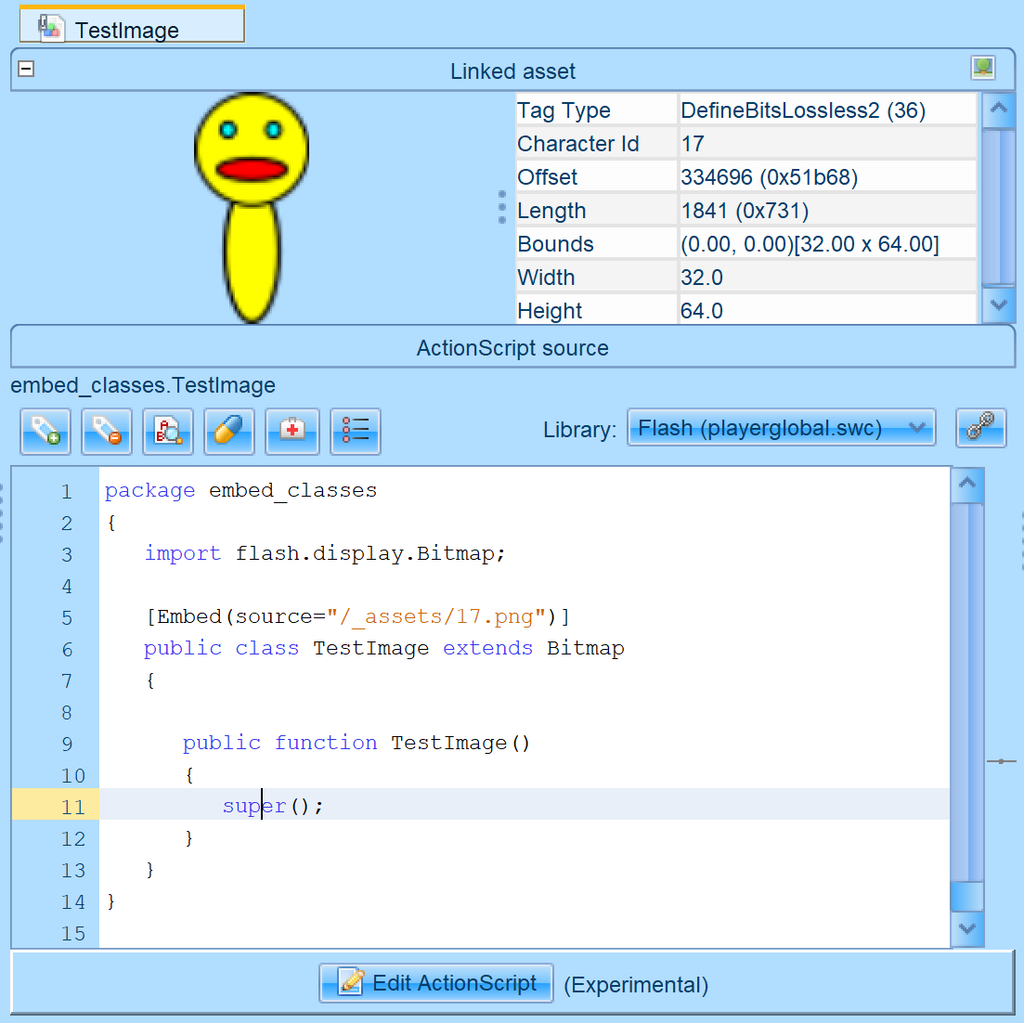
When a class is linked to an asset like image, binaryData, font or sound, new “Linked asset” is displayed on the top of the ActionScript source panel. It features preview of the image or font, bytes of binaryData and playback of sounds and sprites (can be paused) with basic tag info. The icon on the top right corner will navigate you to the asset itself. If you feel it occupies too much space, then you can collapse it with the minus icon.
Special Icon for AS3 Classes with Linked Asset
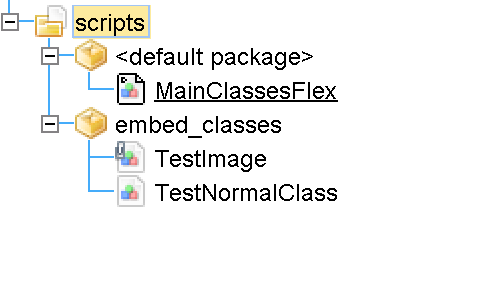
When an AS3 class is linked to an asset, it has special icon – a class with “attachment”
Jump to Class on Character and Back
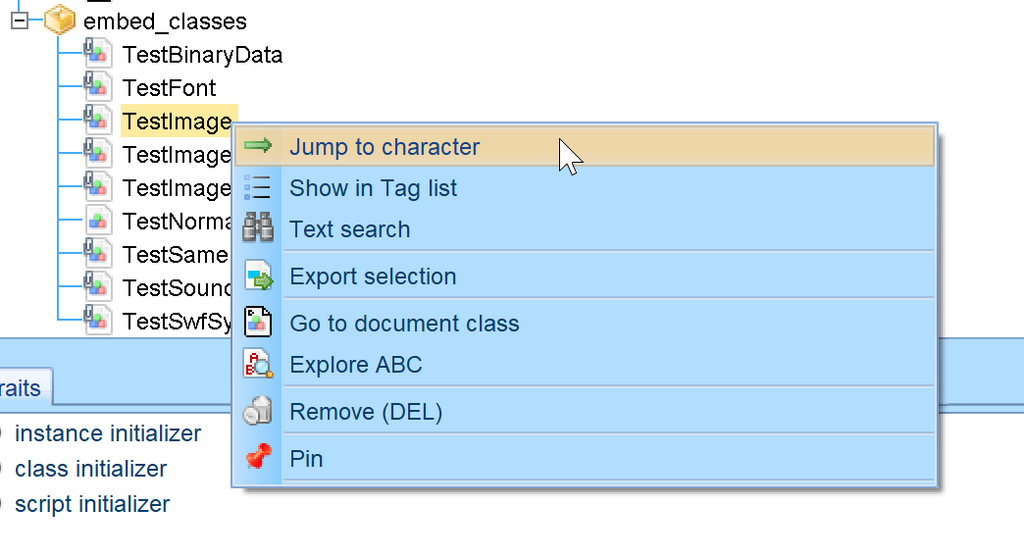
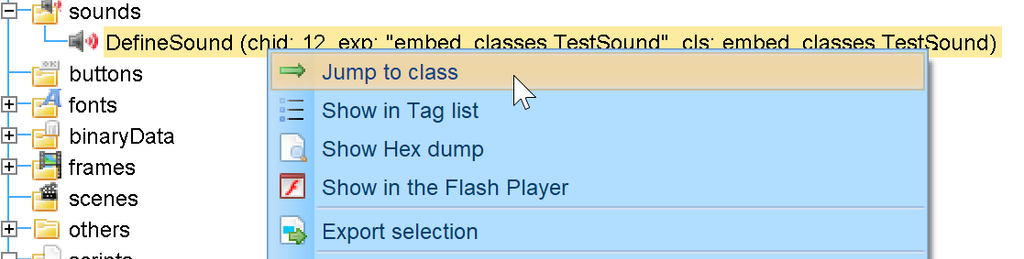
New click-through on AS3 classes / assets for jumping to character and back to its class.
Sound Wave Preview
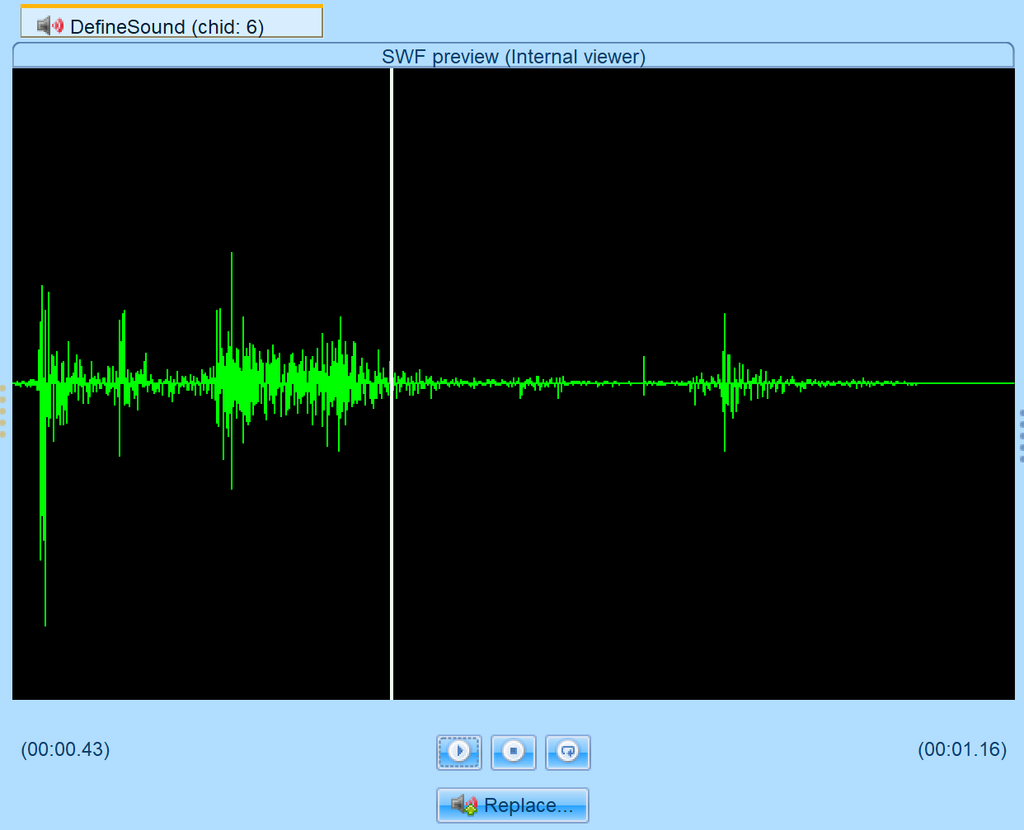
Highlighted sound now contains waveform preview. You can click specific place to start playing from the location.
Create Tween
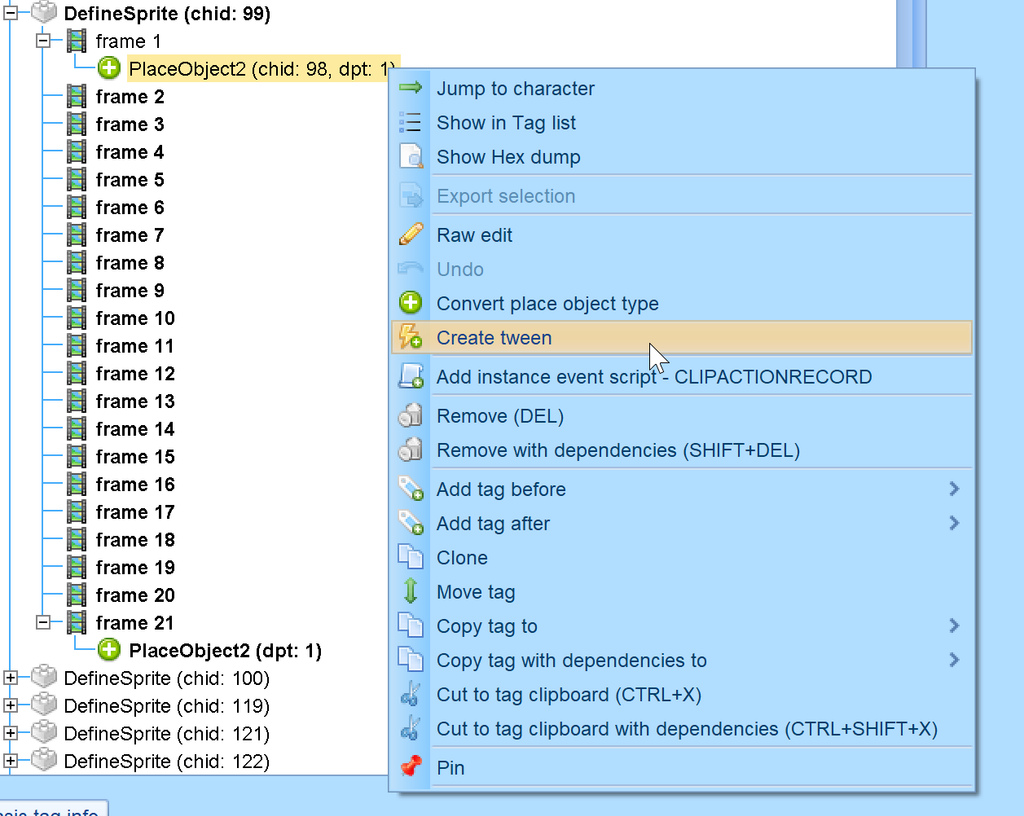
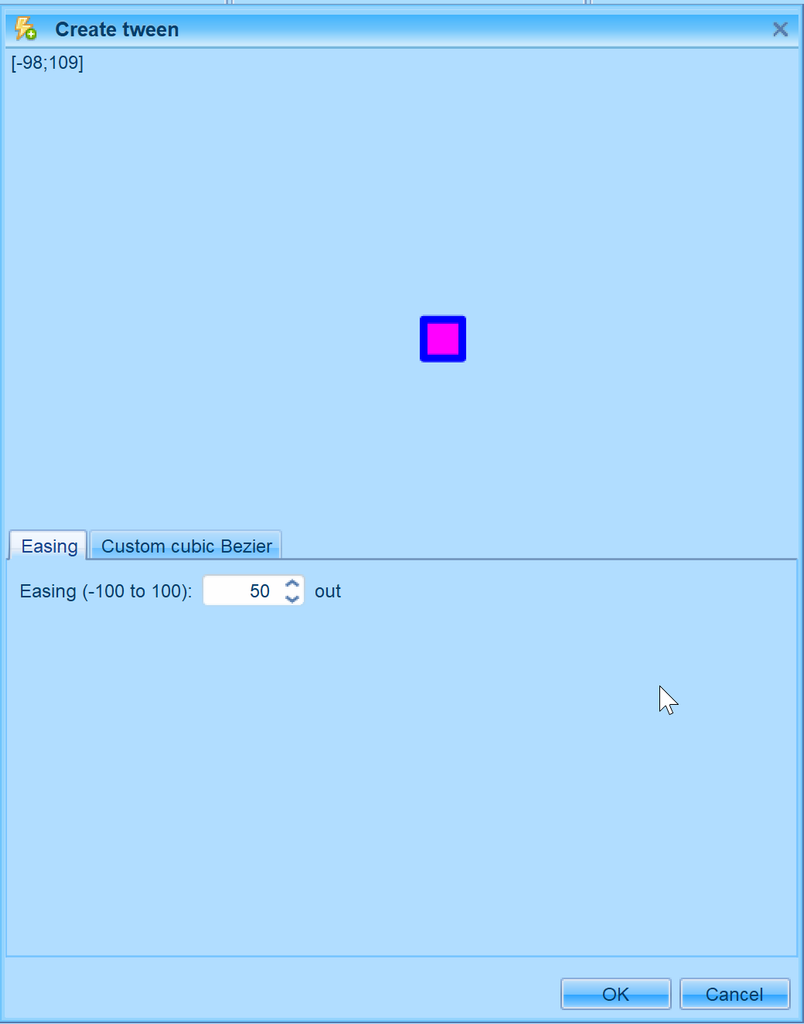
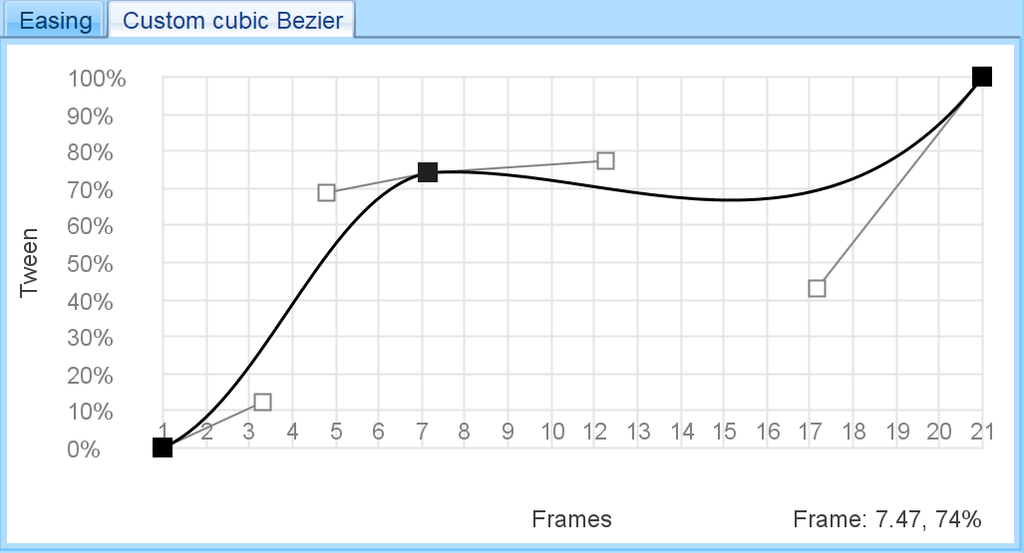
A tween can be created between two PlaceObjects on the same depth which have the same character. In such case, context menu item “Create tween” appears on context menu of the first PlaceObject. When you click it, a dialog is displayed where you can specify easing in range from -100 to 100 or via custom bezier. Preview of the animation is shown on the top.
In custom bezier mode, you click the canvas to add points and can move handles. To remove point, right click it.
After confirming, new placeobjects are inserted in the frames between the two containing interpolated properties. Tweened properties include position matrix, color transform and ratio.
Depth State Panel
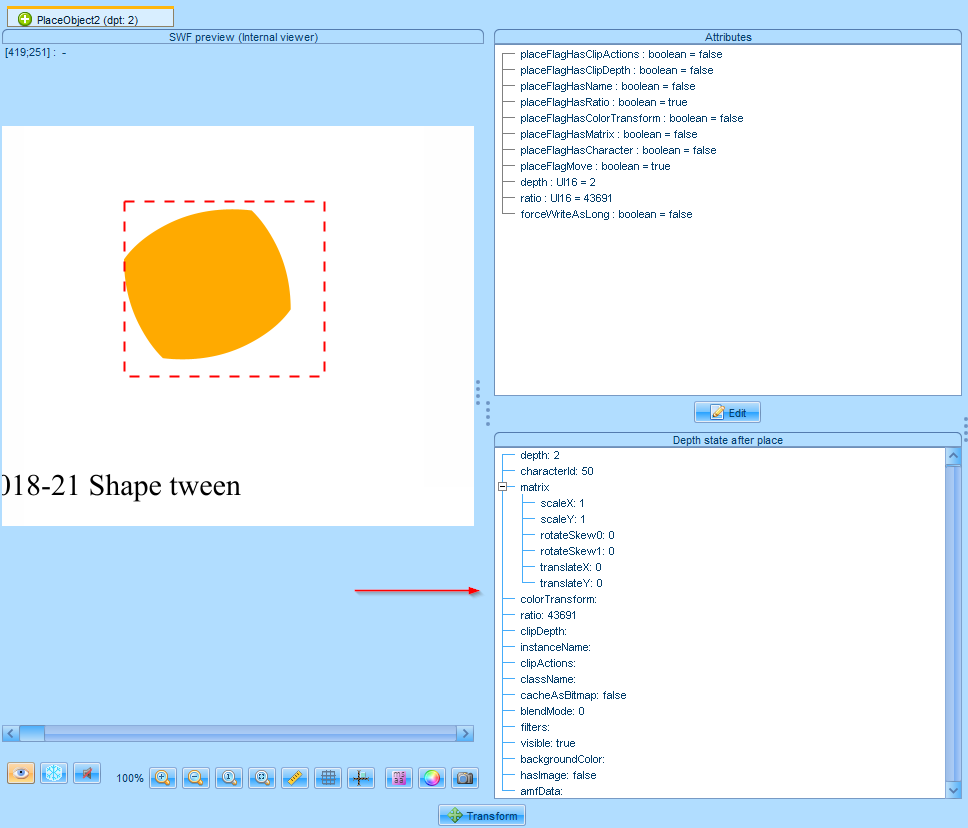
On PlaceObject preview, there’s a new panel with depth parameters.
A PlaceObject can have move flag which means it overrides only some of the parameters, so this panel shows all parameters of the depth.
Auto Preview Checkbox
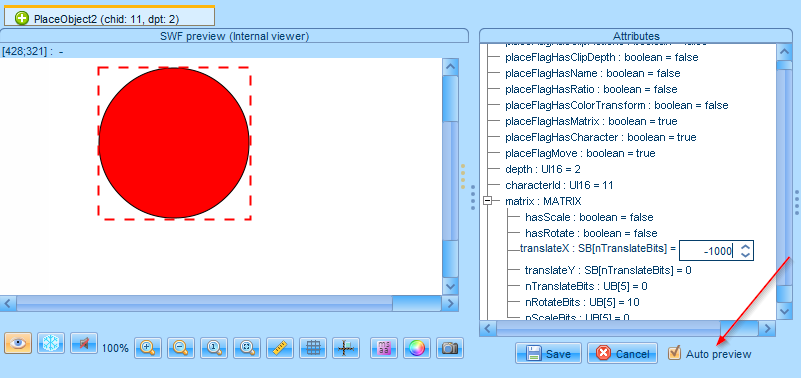
We added a new checkbox called “Auto preview” to the attributes editor of placeObjects, shapes and morphShapes. When checked, the change you do in the editor is immediately reflected on the preview. Uncheck it to view original item.
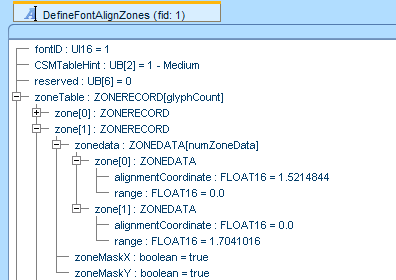
FontAlignZones ZoneData as Floats
Zone data for font align zones are now displayed and edited as floating point values instead of integers.
WARNING: This also changed XML export/import major version so older versions of FFDec may not correctly read XMLs saved in this version.
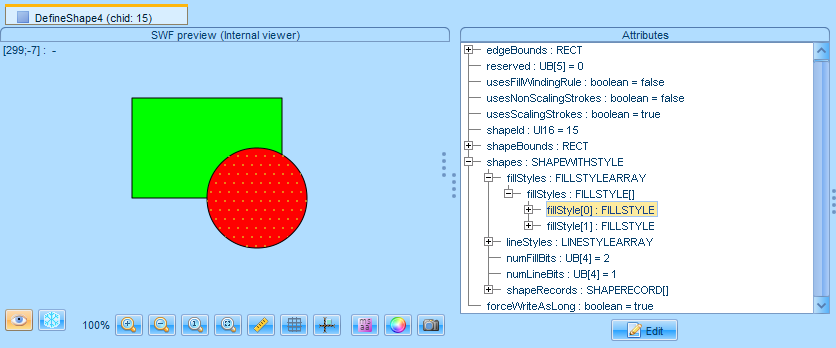
Highlight Selected Fill and Line Styles
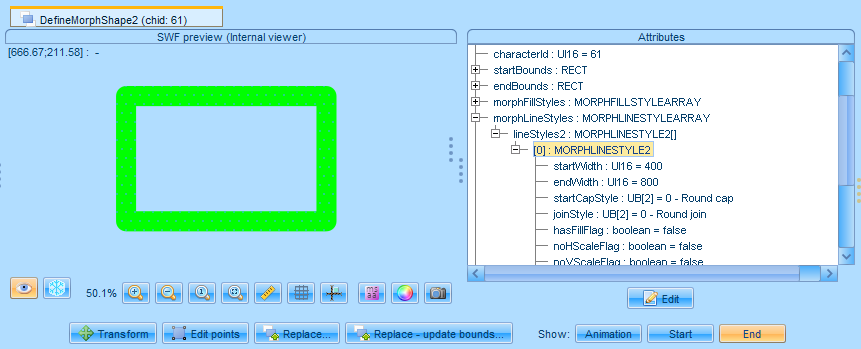
When you select FILLSTYLE or LINESTYLE/2 in the shape tree, the area of the fill is highlighted with dots. This also works for morphshapes.
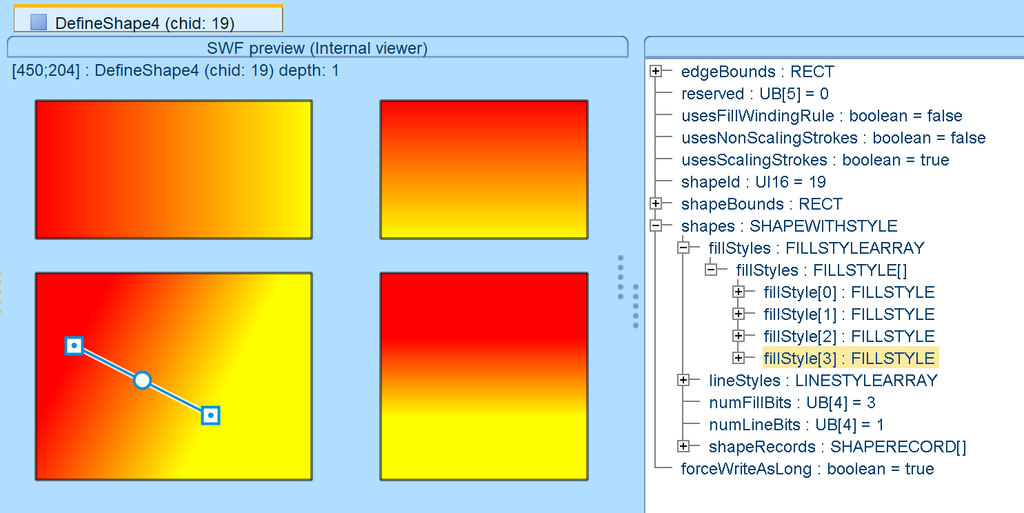
Edit Gradients / Bitmaps Using Handles
Change gradient and bitmap fills using dragging the handles like you are used to from other graphical editors.
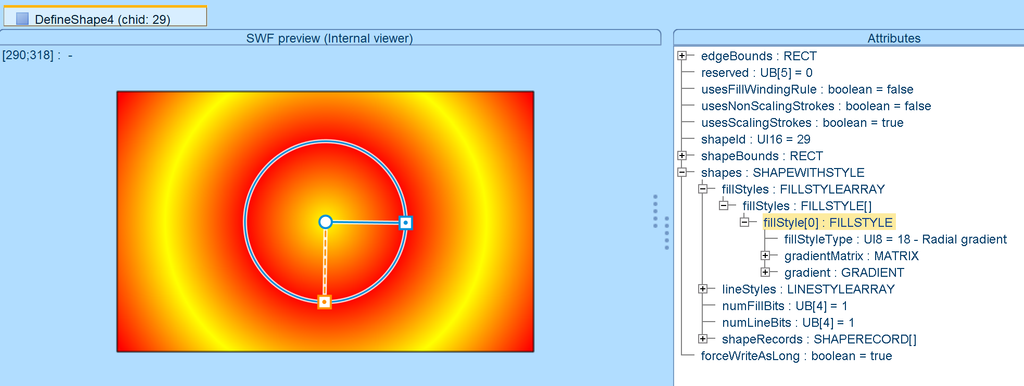
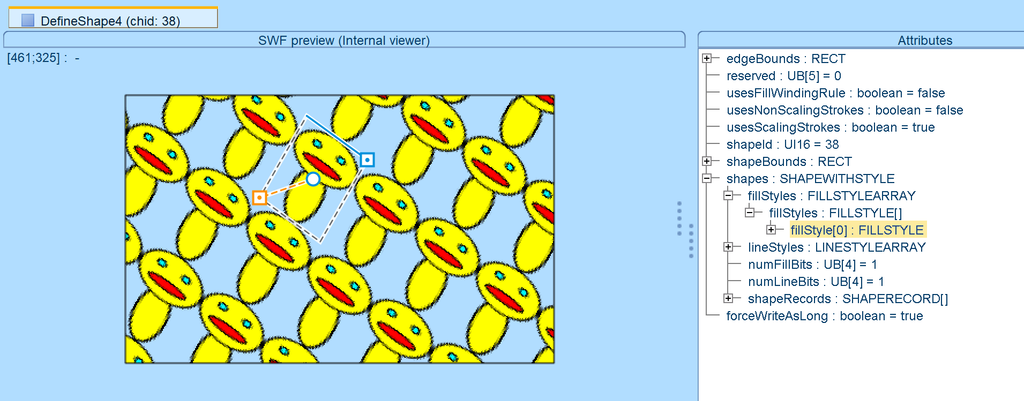
Alt/Ctrl + Click Selects Fill/LineStyle
On previews of shapes or morphshapes, you can press Alt and click in the shape and FILLSTYLE under cursor will be selected in the tree. You can also press Ctrl and click to select nearest LINESTYLE.
Button Attributes Panel
DefineButton/2 has now also panel for editing it’s attributes. Previously you needed to go to raw edit via context menu.
Editing Place Matrix with Handles
When you select PlaceObjects matrix or BUTTONRECORDs placeMatrix, you can transform the object using handles.
Custom SWF Profiles
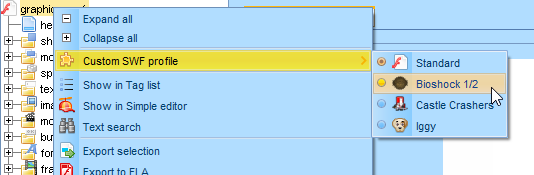
Some games require special handling of SWF tags or actions. That’s where SWF Profiles come in handy. You can select SWF profile by right clicking SWF node and select submenu “Custom SWF profile”.
When you open a SWF file which has some nonstandard tags and some profile is known to support them, you are asked to choose the profile or use standard SWF profile.
The profile is remembered for a SWF (path based) for next opening.
Profile can be also set on command line with -swfProfile <profileId> pre-option.
Use -listSwfProfiles to list all available profile ids (use standard for normal SWFs – override remembered).
Current profile support include: Bioshock 1/2, Castle Crashers, Iggy

Dragging into SOL Editor
Drag and drop file to SOL editor window to open file.
Use System File Dialogs (Optional)
Option to use system file dialogs instead of swing can be enabled in Advanced settings.
Text to Shape Conversion
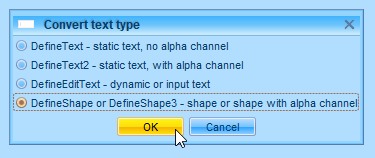
Convert text tags to DefineShape or DefineShape3 (with alpha) using new option in the Convert text type dialog.
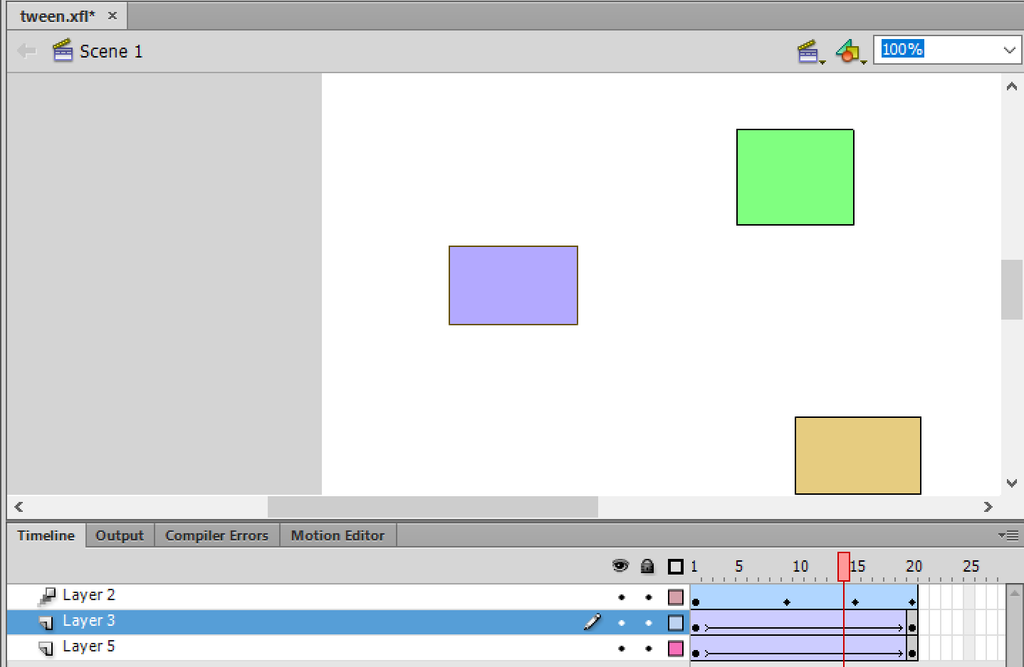
FLA Export – Classic and Motion Tween Detection
FFDec tries to detect parameters of motion or classic tweens and its easings.
JPEG-XR Support
It seems that Flash Player can read JPEG-XR format, so we added its support too.
New Fields in FileAttributes Tag
Two new fields inside FileAttributes tag – brokerProductManager and brokerLocalConnection.
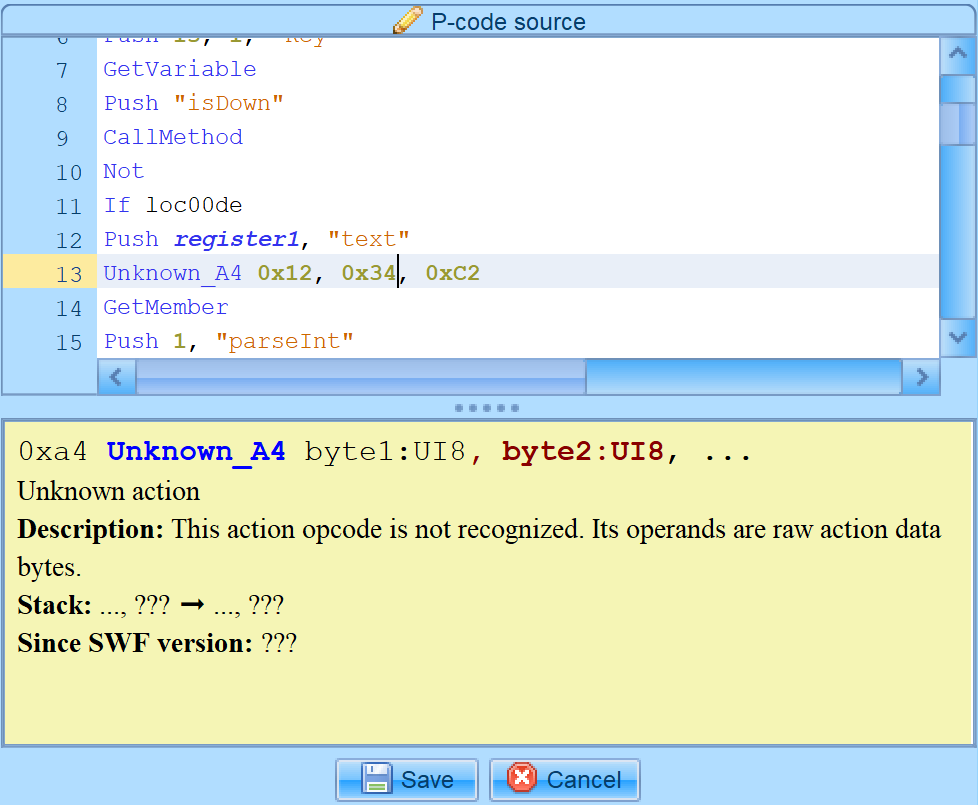
AS1/2 – Better Handling of Unknown Actions
You can edit unknown actions in P-code editor including bytes they contain.
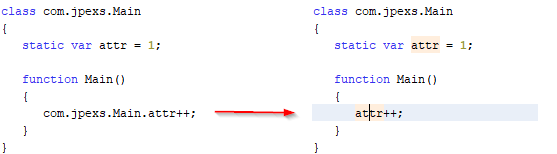
AS2: Easier Access To Static Attributes
We enhanced the AS2 decompilation and the editor so static attributes are decompiled and accessible via their simple name.
Sound: Show Bits per Sample
Basic tag info displays bitness of the sound.
Enhanced Iggy format support
Improved support of the Iggy UI file format. Editing 64bit and 32bit format by conversion to SWF and back. Previously, only basic subset was available, now all the available tags are used.
CLI also features -swf2iggy and -iggy2swf commands for SWF<->Iggy conversion.

Replace Sprite With an Image
You can replace DefineSprite contents with animated image (GIF, APNG, animated WebP) or a static image (JPEG, PNG, WebP) or Shape from SVG.
Leave a Reply