
Reorganized toolbar, XAML export, text tag type conversion and the new multi sample anti-aliasing renderer.
26.0.0 – 2026-04-06
Reorganized Toolbar
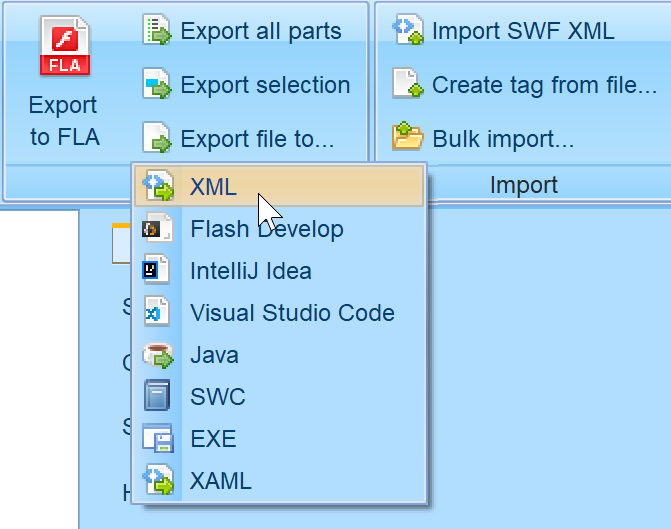
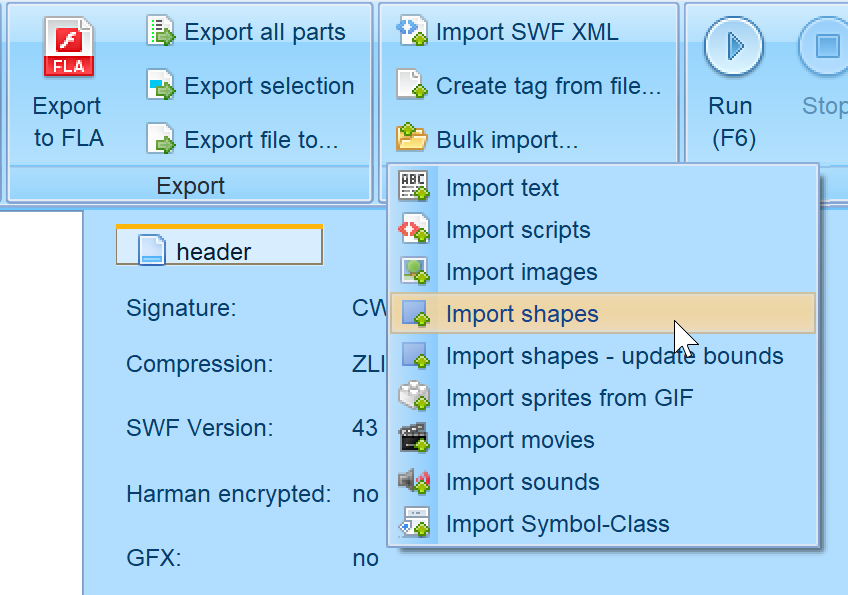
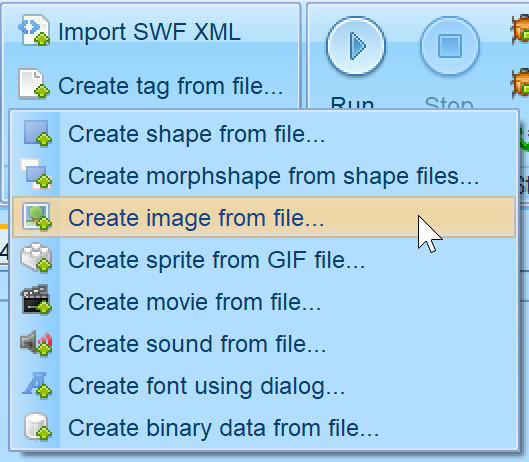
Export panel is shrinked and a new dropdown menu for Exporting whole file is available. Instead of import tab, there is a new import panel. The main part was renamed to Bulk import and it contains dropdown menu. In create tag from file menu we put the already existing functionality of creating tags from files.
XAML Export
Export to Visual Studio C# project which uses XAML for shapes rendering.
Button Export Improvement
Buttons are exported with all four states images. Buttons on SVGs are animated on mouse over / click.
AS3 FLA Export Disabling Scripts Layer
Option to disable placing scripts in the separate layer in the FLA so they stay in the decompiled class.
Text Type Conversion
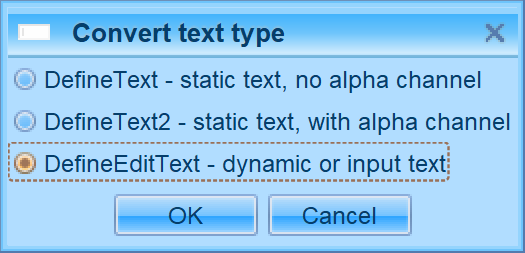
Convert text tag type between DefineText/2 and DefineEditText.
Advanced multi sample anti-aliasing renderer
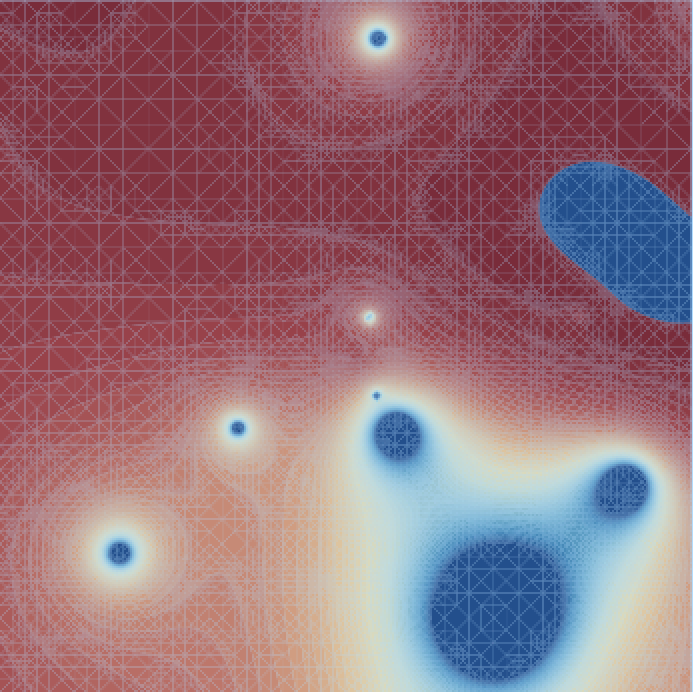
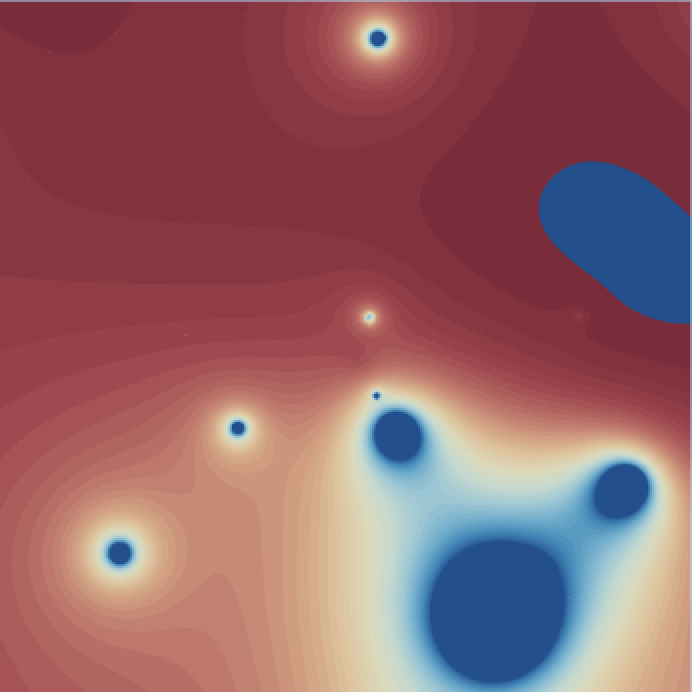
I implemented (with a little help of AI) the new renderer for shapes that features multi sample
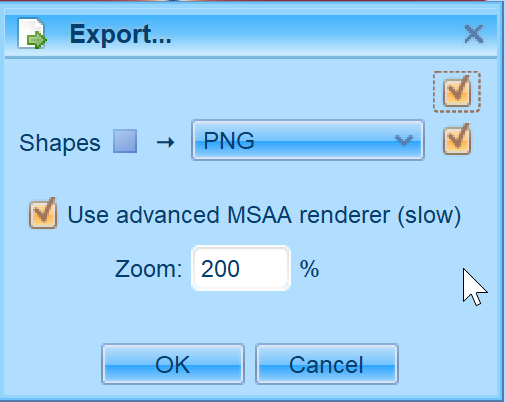
anti-aliasing. It is similar to previously introduced “conflation artifacts reduction”, but different. It can be enabled for display with the ellipse-shaped icon under render area. Also on export dialog there is checkbox for it. Beware that it is much slower than standard rendering, but for sake of precision. User can customize the anti-aliasing sample grid in Advanced settings (default is 4×4).

XTB Textures
XTB textures support for GFX Scaleform files.
Turn Off Minimum Stroke Width
Flash renders all strokes with minimum of 1 pixel width. FFDec mimics this too. Now it can be disabled so strokes can be thinner.
Leave a Reply